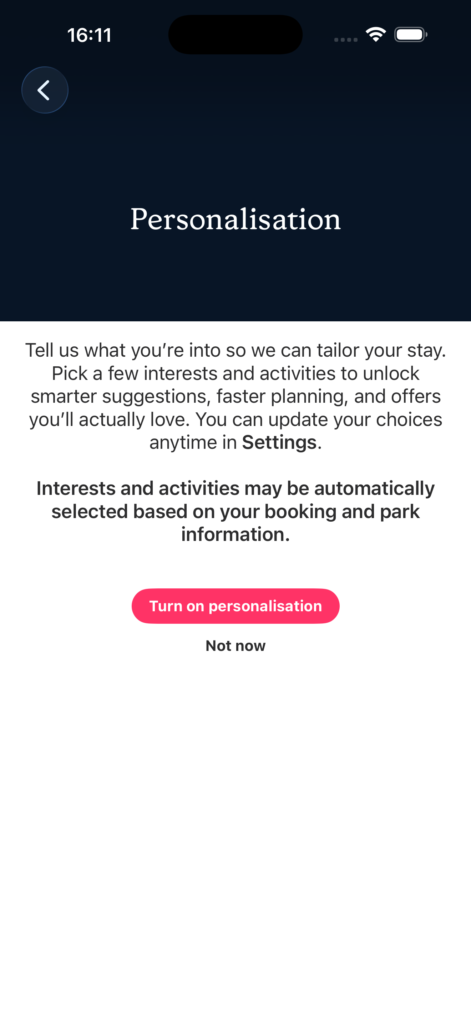
The first time a guest opens the app after personalisation has been set up for their park, they’re shown a prompt asking whether they’d like to personalise their experience. This is entirely opt-in — they can skip it and come back later, or never use it at all.
If they choose to set up preferences, they’re walked through a short flow. Each page presents a grid of interest and activity tags relevant to the park — things like walking, cycling, family activities, dining, or relaxing. Guests tap the ones that apply to them.
Once they’ve made their selections, those preferences are saved to the device. The app immediately starts using them to shape recommendations.
What staff need to know
The tags available during onboarding are configured per park on the server — they’re not hardcoded in the app. If a park wants to add, remove, or rename its preference tags, that’s a server-side change rather than an app update.